Draw 2 Save1.1.4
Publisher Description

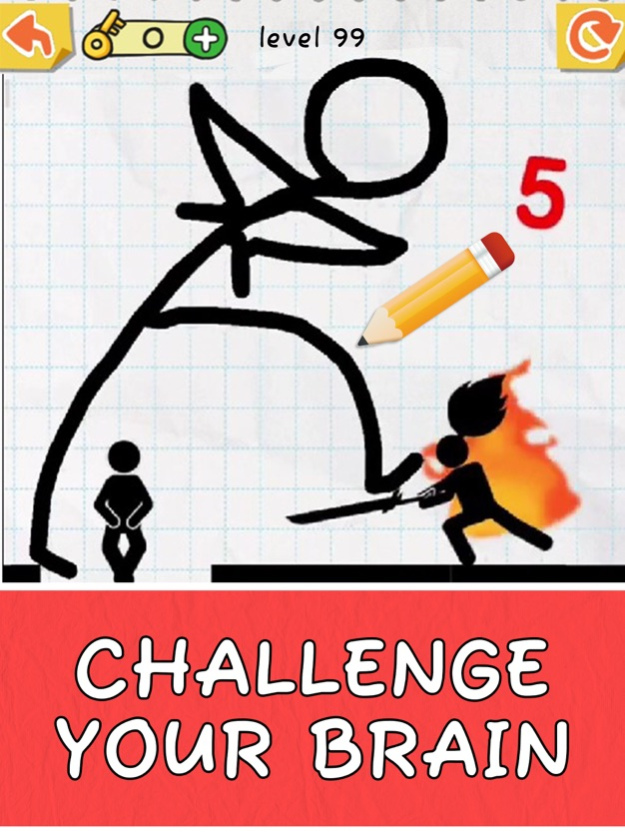
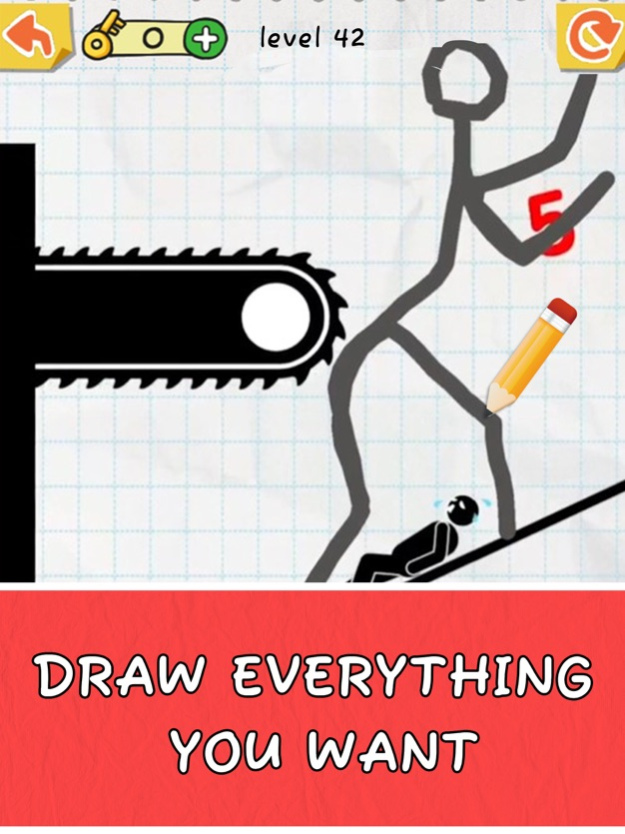
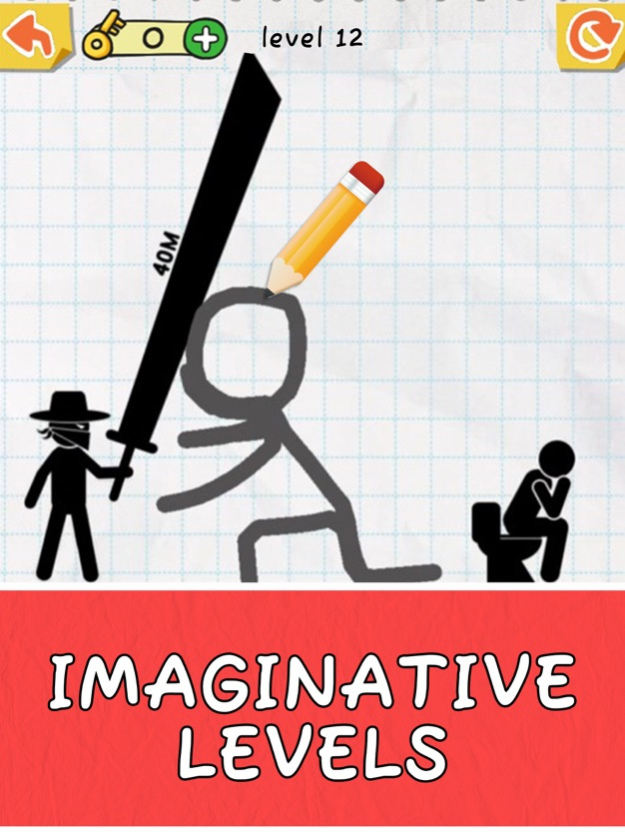
Would you like to test your IQ, creativity or drawing skills? Are you a genius of puzzle games? Do you know how to draw well in the puzzle games? Are you looking for a new original entertaining puzzle game?
Now you are having a good chance for brain test!
Let’s download Draw 2 Save - Experience tons of tricky puzzles featured by drawing!
This is a game combined with logical puzzle games and drawing test.
Use your brain, draw a line to protect the stickman from bombs, swords, bullets, arrows... and many other life-threatening attacks! You can draw stunts, walls, shelters, and any kind of protection to help the stickman to survive. Learn to draw lines creatively, develop your sense of logic and improve your brain!
Where is the limit of your IQ?
Try your best to pass all the levels and save the stickman!
HOW TO PLAY
- Draw only one line to finish the level task.
Ensure that you can solve the puzzle in one continuous line. Press to draw out your line, and lift your finger once you complete your drawing.
- Make sure your line will not hurt the characters you need to protect.
Remember not to draw the line crossing the roles you need to protect. Try to draw in the blank space.
- One level can have more than one answer.
Draw with your wild imagination! This is not only a test for your IQ, but also for your creativity as each puzzle has far more than one answer. Find out different surprising, interesting, unexpected, and even hilarious drawing solutions to the puzzles!
GAME FEATURES
- Addictive and relaxing.
- Entertaining and time-killing.
- Simple physics system.
- Exercise your brain.
- Test both your IQ & creativity.
- Simple but interesting combination of logic puzzle games and drawing games.
- Endless fun and brain-pushing puzzles.
This is a IQ test of how much your brain knows about the creative ways to fix the problems.
Immerse yourself in the interesting world of stickman puzzle!
Version History Fixed game bugs and improved the game's picture quality! 1.1.4 02/21/2024 -Fix bugs 1.1.3 01/13/2023 Bug fixes and performance improvements. 1.1.2 09/05/2022 - System optimization.
- New levels! 1.1.1 07/13/2022 New levels: Daily Challenge updated! 1.1 07/07/2022 - System optimization.
- Daily Challenge: New levels. 1.0.9 06/14/2022 - Add Daily Challenge mode: complete daily mission and collect stars!
- Add languages: Chinese and Japanese. 1.0.7 05/19/2022 - Add Daily Challenge mode: complete daily mission and collect stars!
- Add languages: Chinese and Japanese. 1.0.6 05/17/2022 New levels added.
Enjoy drawing! ;-D 1.0.5 04/15/2022 - System optimization.
- New levels. 1.0.4 03/18/2022 - Icon fixed.
- Bug fixed.
- New levels added. 1.0.3 03/07/2022 - New levels added. 1.0.2 02/28/2022 1.0 02/21/2022
About Draw 2 Save
The company that develops Draw 2 Save is WONDER GROUP HOLDINGS LIMITED. The latest version released by its developer is 1.1.4.
To install Draw 2 Save on your iOS device, just click the green Continue To App button above to start the installation process. The app is listed on our website since 2026-10-06 and was downloaded 4 times. We have already checked if the download link is safe, however for your own protection we recommend that you scan the downloaded app with your antivirus. Your antivirus may detect the Draw 2 Save as malware if the download link is broken.
How to install Draw 2 Save on your iOS device:
- Click on the Continue To App button on our website. This will redirect you to the App Store.
- Once the Draw 2 Save is shown in the iTunes listing of your iOS device, you can start its download and installation. Tap on the GET button to the right of the app to start downloading it.
- If you are not logged-in the iOS appstore app, you'll be prompted for your your Apple ID and/or password.
- After Draw 2 Save is downloaded, you'll see an INSTALL button to the right. Tap on it to start the actual installation of the iOS app.
- Once installation is finished you can tap on the OPEN button to start it. Its icon will also be added to your device home screen.
Program Details
System requirements
Download information
Pricing
Version History
version 1.1.4
posted on 2026-10-06
Version History Fixed game bugs and improved the game's picture quality! 1.1.4 02/21/2024 -Fix bugs 1.1.3 01/13/2023 Bug fixes and performance improvements. 1.1.2 09/05/2022 - System optimization.
- New levels! 1.1.1 07/13/2022 New levels: Daily Challenge updated! 1.1 07/07/2022 - System optimization.
- Daily Challenge: New levels. 1.0.9 06/14/2022 - Add Daily Challenge mode: complete daily mission and collect stars!
- Add languages: Chinese and Japanese. 1.0.7 05/19/2022 - Add Daily Challenge mode: complete daily mission and collect stars!
- Add languages: Chinese and Japanese. 1.0.6 05/17/2022 New levels added.
Enjoy drawing! ;-D 1.0.5 04/15/2022 - System optimization.
- New levels. 1.0.4 03/18/2022 - Icon fixed.
- Bug fixed.
- New levels added. 1.0.3 03/07/2022 - New levels added. 1.0.2 02/28/2022 1.0 02/21/2022
version 1.1.4
posted on 2024-02-21
Fixed game bugs and improved the game's picture quality!
version 1.1.4
posted on 2024-02-21
Feb 21, 2024
Version 1.1.4
Fixed game bugs and improved the game's picture quality!
version 1.1.3
posted on 2023-01-13
Jan 13, 2023
Version 1.1.3
-Fix bugs
version 1.1.1
posted on 2022-07-13
Jul 13, 2022 Version 1.1.1
- System optimization.
- New levels!
version 1.0.7
posted on 2022-05-19
May 19, 2022 Version 1.0.7
- Add Daily Challenge mode: complete daily mission and collect stars!
- Add languages: Chinese and Japanese.
version 1.0.5
posted on 2022-04-15
Apr 15, 2022 Version 1.0.5
New levels added.
Enjoy drawing! ;-D
version 1.0.4
posted on 2022-03-18
Mar 18, 2022 Version 1.0.4
- System optimization.
- New levels.
version 1.0.2
posted on 2022-02-28
Feb 28, 2022 Version 1.0.2
- New levels added.
